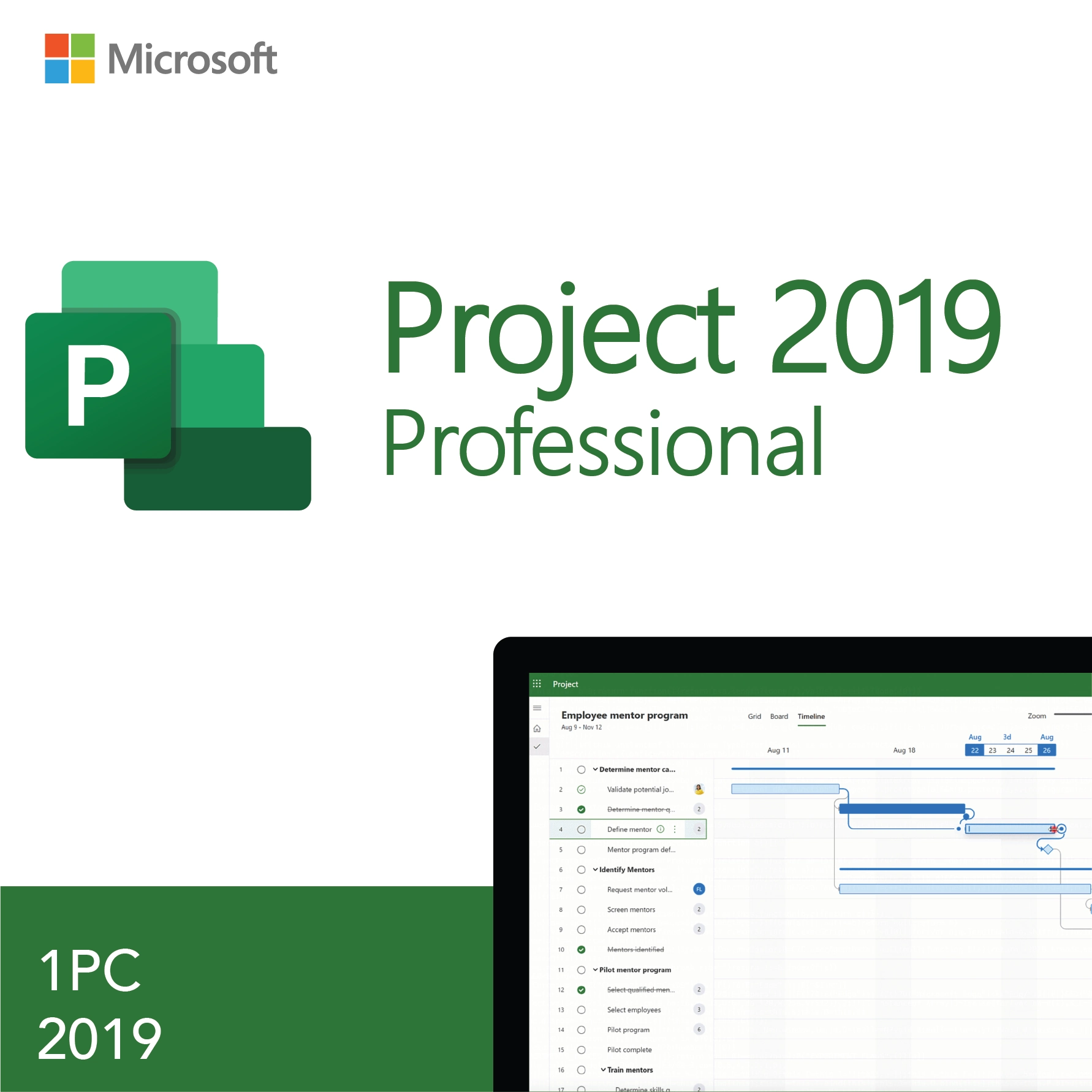
Microsoft Project 2019 Professional – License Key for 1 PC
$28.99Original price was: $28.99.$13.49Current price is: $13.49.
-53%
Genuine Microsoft Project 2019 Professional product key for 1 Windows PC. One-time purchase. Key and official Microsoft download link by email within minutes, 30-day money-back guarantee.
Microsoft Project 2019 Professional is a genuine perpetual product key for the Professional edition of Project 2019 on one Windows PC. It suits project managers, PMO staff and engineers who need to match an existing Office 2019 environment, keep editing schedules in the version that created them, or equip a workstation that has not moved to the 2021 or 2024 generation.
License details
Edition and version: Project Professional 2019, the full edition with resource management, Team Planner, Project Server and Project Online connectivity and timeline sharing
Platform: Windows 10 or Windows 11, 32-bit or 64-bit; Project has no Mac version
Coverage: 1 key activates Project 2019 Professional on 1 PC
License term: perpetual, one-time purchase, no subscription;
Activation: online through File, Account, Change Product Key; our team handles phone activation (Installation ID and Confirmation ID) when Microsoft asks for it
What you receive: the 25-character key, the official Microsoft download link and a short installation guide by email, also saved under My Account
Language: multilanguage, selected at download
Support and guarantee: a person answers email 7 days a week; 30-day money-back guarantee
Delivery is digital and the email reaches you within minutes of payment, so there is no shipping. Project is not part of any Office suite, so this standalone key is how you add it. If the key cannot be activated and our support cannot fix it, you receive a replacement or a full refund. The license type is shown in the Product Overview table on this page.
Product overview
Product
Microsoft Project 2019 Professional – License Key for 1 PC
Brand
Microsoft
Category
Office Products, Project
Platform
Windows PC
Covers
1 PC
License term
One-time purchase, no subscription
Delivery
Digital, product key by email within minutes
You receive
Product key, official Microsoft download link, installation guide
Support
Free installation and activation help by email, 7 days a week
Guarantee
30-day money-back guarantee
SKU
SIS-PRJ19PRO
Microsoft Project 2019 Professional: proven scheduling software, priced and positioned honestly
Microsoft Project 2019 Professional, or MS Project 2019 for short, is the desktop project management application from the Office 2019 generation, sold here as a standalone perpetual key for one Windows PC. It builds schedules as Gantt charts, calculates the critical path, assigns people and equipment to tasks, levels overloaded resources and reports progress against a baseline. Project has never been part of any Office suite, so owners of Office 2019 Professional Plus still need a separate Project license, and this is the matching one.
We are upfront about the version. Microsoft's extended support for Project 2019 ended on October 14, 2025. The product still downloads from the official link, still activates with a genuine key and still schedules exactly as it always did, but Microsoft no longer publishes security patches for it. That makes Project 2019 a considered purchase for specific situations, which we describe below, rather than the default choice for a new PC. For most new installations we point buyers to Project 2021 Professional or Project 2024 Professional.
When Project 2019 is the right buy
Your organization runs Office 2019 and wants every desktop application on the same generation with the same interface and file behavior
You maintain schedules created in Project 2019 that use custom fields, VBA macros or enterprise templates from a Project Server 2019 deployment
The workstation is offline or on a restricted network where the absence of new patches carries little risk
You need the Professional feature set for a fixed engagement and the newer releases are outside the budget
A client, contract or approved software list specifies Project Professional 2019 by name
Project 2019 Professional also remains a capable teaching and certification tool. The scheduling engine, views and reports are the same ones taught in most project management courses, and files created in it open in every later release without conversion. A student or a newly certified project manager who wants a licensed desktop copy for practice, without a monthly fee, gets the complete Professional toolset here at the lowest entry point in our Project range.
Working with existing Project 2019 schedules and templates
Many Project 2019 buyers are stepping into a running program rather than starting a new one. A departing scheduler leaves behind a master project with a dozen subprojects, a shared resource pool file, custom fields for cost codes and a set of views tuned for weekly reporting. Project 2019 opens all of it exactly as built, including VBA macros written against the 2019 object model and enterprise templates published from a Project Server 2019 deployment. Reinstalling the same version means the calendars, custom tables and filters behave as their authors intended. When the time comes to move to a newer release, every plan carries over unchanged, because the .mpp format has not altered since Project 2013.
Set against a Project Plan 3 subscription, the economics of a perpetual 2019 key are plain. A subscription is billed month after month, per user, and the desktop application stops working when payments stop. This key is paid once, keeps working indefinitely and belongs to you. For a fixed scope of work, a training room or a machine that is replaced on a known schedule, that is often the more sensible spend even though the version is older, provided the risk of running unpatched software is acceptable in your setting.
What Project Professional 2019 does
Gantt chart scheduling with task dependencies, lead and lag, constraints, deadlines and both manually and automatically scheduled tasks
Critical path highlighting and Task Path to trace predecessors and successors of any task
Baselines (up to eleven) to compare the current plan against the original commitment for schedule and cost variance
Resource management: work, material and cost resources, availability calendars, overallocation detection and automatic or manual leveling
Team Planner view to drag assignments between people and see who is overbooked at a glance
Shared resource pools across several project files, and master projects that roll up subprojects
Connectivity to Project Server 2019 and Project Online for enterprise portfolios, plus sync with SharePoint task lists
Timeline view that can be shared to Outlook, PowerPoint and other Office apps, with multiple timeline bars
Built in reports for burndown, cost overview, resource overview and earned value, exportable to Excel and PDF
Standard versus Professional, and 2019 versus later releases
Two decisions shape a Project purchase: the edition and the year. The table lays both out for the versions in our catalog.
Edition
Scheduling and resource features
Microsoft support status
Notes
Project Standard 2019
Gantt scheduling, baselines, reports; no resource pool sharing, Team Planner, Project Server or Online connectivity
Ended October 14, 2025
Not stocked; Professional includes everything Standard has
Microsoft Project 2019 Professional (this page)
All Standard features plus resource management, Team Planner, Project Server and Project Online connectivity, timeline sharing
Ended October 14, 2025
Lowest cost route to the Professional feature set
Project 2021 Professional
Same Professional feature set with the Office 2021 interface
Supported to October 13, 2026
Matches Office 2021 deployments
Project 2024 Professional
Same Professional feature set, latest fixes and interface refresh
Supported to October 9, 2029
Longest support window of any perpetual Project
Project Plan 3 (subscription)
Professional desktop app plus cloud project management
Ongoing while paid
Monthly fee per user; app stops when the plan lapses
The Professional feature set barely moved between 2019 and 2024. The scheduling engine, the views and the .mpp file format are the same. What you gain with a newer release is a current support date, small interface improvements and the assurance that a vulnerability will be patched. If version parity or a fixed project is your reason for choosing 2019, it is a sound buy. If price alone is the reason, compare the three listings and weigh the extra years of updates.
One more practical point: Project 2019 Professional connects to Project Server 2019 and to Project Online. Organizations still running an on premises Project Server 2019 farm are the buyers most likely to need this exact client version, because matching the client to the server generation avoids compatibility warnings and keeps enterprise custom fields, resource pools and timesheets working as designed.
System requirements
Windows 10 or Windows 11; Project 2019 has no macOS version
1.6 GHz dual-core processor or faster
4 GB RAM (64-bit) or 2 GB RAM (32-bit)
4 GB of available disk space
1280 x 768 display; a wide monitor helps considerably with Gantt charts
Internet access for download and activation; scheduling works fully offline
Must match the bitness of any Office 2019 or 2021 apps already on the PC
How the license works
This is a perpetual license: pay once, activate Microsoft Project 2019 Professional on one PC, and never renew. The end of Microsoft's support does not touch the license; activation servers still accept genuine 2019 keys and the software keeps running. Whether the key can later move to another PC depends on its type. A retail key can be deactivated on the old machine and used on a new one, an OEM style key remains with the original hardware, and a volume key carries a fixed activation count for organizations. The license type for this listing appears in the Product Overview table on this page.
Activation happens inside Project under File, Account, Change Product Key. Older releases are sent to Microsoft's telephone activation wizard more often than new ones; when that happens, our support team exchanges the Installation ID and Confirmation ID with you by email, 7 days a week.
Why buy Microsoft Project 2019 Professional from Software in Store
Software in Store is an independent reseller of genuine Microsoft product keys, operated by MAKERS UNITY LLC in Sheridan, Wyoming. Older versions attract the most problem keys on marketplaces, because used and blocked keys circulate freely. We sell keys that activate and we stand behind them with a guarantee and a person on email.
Genuine key with the official Microsoft download link, so you install the real Project 2019 setup, not a repackaged installer
Delivered by email within minutes of payment, 7 days a week, and kept under My Account
30-day money-back guarantee, with a replacement or full refund if a key cannot be activated and we cannot fix it
Support by a real person every day, including telephone activation help
Encrypted, PCI-compliant checkout by card, Apple Pay or Google Pay; we never see card numbers
Our why trust us page explains how we source and support keys.
Add the key to your cart and check out with card, Apple Pay or Google Pay. Your key and download link arrive by email within minutes, and your first Gantt chart can be underway within the hour. See how it works for the complete process and our FAQs for answers on activation, transfers and refunds.
Download and install
The delivery email holds your 25-character Microsoft Project 2019 Professional key, the official Microsoft download link and a short guide. The key is also stored under My Account on our site.
Uninstall any Project trial or Project Plan 3 click-to-run installation and restart the PC.
Open the download link from the email and download the Project 2019 Professional installer that matches your Office bitness (32-bit or 64-bit).
Run the installer and wait for setup to finish; Project installs alongside Office 2019 or 2021.
Start Project and choose Blank Project to reach the Gantt Chart view.
Click File, then Account, then Change Product Key, enter the 25-character key and select Activate.
Confirm that the Account page shows Product Activated for Microsoft Project Professional 2019.
If you connect to Project Server or Project Online, add the account under File, Info, Manage Accounts.
Because Project 2019 is an older release, Microsoft may route activation to the telephone wizard. Email us the Installation ID from the screen and our team returns the Confirmation ID, usually within an hour. Support answers 7 days a week at support@softwareinstore.com.
Frequently asked questions
Is it still worth buying Microsoft Project 2019 Professional after support ended?
For some buyers, yes. Microsoft's extended support ended on October 14, 2025, so there are no new security patches, but the application installs, activates and schedules exactly as before. On an offline machine, in an Office 2019 environment, or for a defined engagement, that is acceptable. For a new, internet connected PC that will run Project for years, we recommend the 2021 or 2024 release instead, and we say so on this page.
What does Professional add over Project Standard 2019?
Standard handles single project scheduling: Gantt charts, dependencies, baselines and reports. Professional adds full resource management with shared resource pools and leveling across projects, the Team Planner view, connectivity to Project Server and Project Online for enterprise portfolios, SharePoint task list sync, and timeline sharing to other Office applications. If you manage people across several projects or connect to a PMO server, Professional is the edition you need.
Is Project included in Office 2019 Professional Plus?
No. Project has never been part of any Office suite, including Professional Plus and Microsoft 365 Apps. It is always licensed on its own, which is why this standalone Microsoft Project 2019 Professional key exists. The same applies to Visio. If you want Office, Visio and Project in one purchase, our Office 2021 Pro Plus bundle with Visio 2021 and Project 2021 is the closest package we offer.
Can Project 2019 open files from Project 2021 or 2024?
Yes. All three versions use the same .mpp file format, so a plan saved in Project 2024 opens in Project 2019 with tasks, resources, baselines, custom fields and views intact. The same holds in the other direction, so a team with mixed versions can exchange schedules freely. Only features that exist in the newer release and not in 2019 would be unavailable, and those are rare between these three.
Is this a one-time purchase or a subscription?
A one-time purchase. You pay once for a perpetual Project Professional 2019 license on one Windows PC with no renewal, no monthly fee and no expiry. Project Plan 3 and Plan 5 are Microsoft's subscriptions and stop working when payment stops; this key does not. Keep in mind that Microsoft's update support for the 2019 version has already ended, so you are buying a stable, fixed version.
What if the key will not activate?
Older versions are more likely to be sent to Microsoft's telephone activation, which is routine and not a sign of a bad key. Email us the Installation ID displayed in the wizard and we return a Confirmation ID, typically within the hour, 7 days a week. If the key is rejected outright and our team cannot resolve it, the 30-day money-back guarantee applies and you receive a replacement key or a full refund.
2 reviews for Microsoft Project 2019 Professional – License Key for 1 PC
Rated 5 out of 5
Katherine Lewis –
Simple activation and works flawlessly. Great tool for project management.
Rated 5 out of 5
Lucas Gray –
Purchased this key and it worked immediately. Delivery was fast, and the support team helped me with installation instructions. Excellent service overall!


Katherine Lewis –
Simple activation and works flawlessly. Great tool for project management.
Lucas Gray –
Purchased this key and it worked immediately. Delivery was fast, and the support team helped me with installation instructions. Excellent service overall!