
Genuine Microsoft product keys, delivered by email within minutes
Windows 11, Office Home & Business 2024, standalone Office apps and Visual Studio Professional. Official download link and guide included, plus a 180-day money-back guarantee.
Explore our software catalog
The editions most customers choose: Windows 11 Pro, Office 2024 and 2021 Professional Plus, and Windows Server 2025 Standard. Each is a perpetual license with the license type stated on the product page.

Shop by category
Operating systems, Microsoft Office suites, standalone apps such as Visio, Project and Visual Studio, and Windows Server with RDS CALs. Every key is genuine and activates on Microsoft’s servers.
Windows 11 keys
Pro, Home, Pro for Workstations, N editions, Education and IoT Enterprise LTSC 2024.

Windows 10 keys
Pro, Home, Education and Pro for Workstations for PCs that stay on Windows 10.
Office 2024 keys
Professional Plus, Standard LTSC and Home and Business for Windows and Mac.

Office 2021 keys
Professional Plus with Access and Publisher, plus Home and Business for Mac.

Office apps
Word, Excel, Outlook, Access, Visio, Project and Visual Studio as single licenses.

Windows Server
Server 2025 and 2022 Standard and Datacenter, RDS user CALs and SQL Server.
Get your key in 3 easy steps
No account to create, no waiting for a courier. Most customers finish before their coffee is ready.
1
Choose your edition
Pick Windows, Office or Server, check the edition notes on the product page, and pay securely with a card, Apple Pay or Google Pay.
2
Receive the key by email
Within minutes you get the product key, the official Microsoft download link and a short installation guide. The key is also saved in your account.
3
Install and activate
Enter the key in Settings or in Office under File, Account. If Microsoft asks for phone activation, send us the Installation ID and we handle it.
Frequently asked questions
Plain answers to the questions buyers ask us most: retail, OEM or volume, Home or Pro, moving a key to a new PC, and what happens if Microsoft asks for phone activation. The FAQ page covers ordering, activation and refunds in more detail, and a person answers email every day.
What should I check about a software license?
Activation confirms that a product key was accepted; it does not, by itself, establish ownership, genuine status, transfer rights or compliance with the applicable license agreement. Keep your invoice and licensing documentation. Confirm edition, license channel, device allowance, region and transfer rights before paying. Read our buying checklist.
How fast is the delivery after I pay?
Delivery is digital and usually takes only a few minutes. As soon as your payment is confirmed, our system sends an email to the address you entered at checkout. That email contains your 25-character Microsoft product key, the official Microsoft download link for your edition, and a short installation guide that walks you through activation. Whether you order a Windows 11 Pro key, a Microsoft Office product key or a Windows Server 2025 license, the process is the same, and we deliver seven days a week, including weekends and holidays.
We also save every key under My Account on our site. If the email lands in a spam or promotions folder, or if you need to look up a key years later for a reinstall, you can log in and find it there. We recommend checking your spam folder first if the email has not arrived within a reasonable time, and adding our address to your contacts so future messages reach your inbox without delay.
In the rare case that an order needs a manual review, for example when a payment processor flags a transaction, delivery can take a little longer, and our team will contact you by email if we need anything from you. If you have not received your key and cannot find it in My Account, write to support@softwareinstore.com and a person will respond, seven days a week. For a step-by-step overview of ordering, delivery and activation, see our How It Works page, and if anything is unclear, reach us through the Contact Us page.
What is included in the price?
The listing describes the exact product, permitted devices or users and delivery method. Review the final total at checkout. A low price or a successful activation is not evidence of a license’s origin or resale rights; ask us to confirm the terms before ordering.
Is this a lifetime license or a subscription?
Everything we sell is a perpetual license, which means a one-time purchase with no subscription and no recurring fees. When you buy a Windows 11 Pro key or an Office 2024 Professional Plus key from us, you pay once and the software keeps working for as long as you use that PC. There is no monthly or annual renewal, no account that expires and no feature that switches off when a billing period ends. Some of our product names include the word Lifetime for this reason, and it refers to the life of the installation on the licensed computer.
This is the main difference between our products and Microsoft 365. Microsoft 365 is a subscription: you pay every month or year, and the apps stop working in full if you stop paying. A perpetual Office license, such as Office 2024 or Office 2021, is fixed to that version. You receive security and stability updates from Microsoft for that version, but you do not automatically receive the next major release. Microsoft supports Office 2024 until October 9, 2029, and mainstream support for Office 2021 ends October 13, 2026, so Office 2024 is the longer-lived choice for a new purchase.
Windows works the same way. A Windows 11 Pro license is tied to the PC it activates and continues to receive Windows updates for as long as Microsoft supports Windows 11. You can see the full Office 2024 lineup in our Office 2024 category or go straight to the Office 2024 Professional Plus key for 1 PC (listing currently unavailable).
What is the difference between a retail, OEM and volume key?
All three are genuine Microsoft license types, and the software you install is identical. The difference is in transfer rights and intended use, so we state the type on every product page. A retail key is the most flexible. It is licensed to you rather than to a specific machine, so if you replace your PC you can remove the license from the old computer and activate the same Windows 11 Pro key or Microsoft Office product key on the new one. Retail keys are the right choice if you upgrade hardware often or want the option to move a license later.
An OEM key is bound to the first PC it activates. It is the same type of license that computer manufacturers preinstall, and it stays with that motherboard for the life of the machine. You can reinstall Windows on the same PC as many times as you need, but you cannot move the license to a different computer. For a desktop or laptop you plan to keep, an OEM Windows license is a practical option.
A volume key, often called a MAK key, is designed for organizations that activate many machines. It carries a limited number of activations and is meant for business, school or institutional deployment rather than for resale to individuals one by one. Our multi-PC products, such as the Office 2021 Professional Plus key for 5 PCs (listing currently unavailable), are built for exactly this scenario. If you are unsure which type fits, our How It Works page explains the options, and our team is happy to advise by email.
What happens if the key does not activate?
First, do not worry. Most activation problems have a simple cause, and our team resolves them quickly. The most common issues are a typo in the 25-character key, an edition mismatch (for example, entering a Windows 11 Pro key on a PC that has Windows 11 Home installed, or an Office 2024 Professional Plus key on a Microsoft 365 installation), or an older key already present on the machine. Our installation guide covers these cases, and the download link we send points to the exact Microsoft installer your key is meant for.
If the key still will not activate, email support@softwareinstore.com with your order number and a screenshot of the error message. A real person answers seven days a week. Sometimes Microsoft asks for phone activation instead of online activation, which involves an Installation ID and a Confirmation ID. We handle that with you step by step, and it does not cost anything extra. In our experience, this resolves the large majority of cases within a single email exchange.
When a key genuinely cannot be activated and our support team cannot fix it, our 180-day money-back guarantee applies: we send a replacement key or refund the order in full, your choice. We never leave a customer with a product that does not work. You can read the full details of our guarantee on the Why Trust Us page, and reach us any time through the Contact Us page.
Does Windows 10 still work after end of support, and should I move to Windows 11?
Windows 10 still boots, runs your programs and activates with a genuine key after end of support. What changed on October 14, 2025 is that Microsoft stopped releasing security updates, bug fixes and technical support for Windows 10 Home and Pro. A PC that stays on Windows 10 keeps working, but every new vulnerability discovered from that date on remains unpatched, which is a real concern for any machine connected to the internet or used for banking, email or work files.
Our advice for most people is to move to Windows 11 if the hardware allows it. Windows 11 requires a 1 GHz dual-core 64-bit processor, 4 GB of RAM, 64 GB of storage, UEFI firmware with Secure Boot, and a TPM 2.0 chip. Most PCs built in the last several years meet these requirements. A Windows 11 Pro key is a one-time purchase, and the Windows 11 Home vs Pro decision is the same as it was with Windows 10: Pro adds BitLocker, Remote Desktop hosting, Hyper-V and domain join.
If your PC cannot run Windows 11, or you have a specific reason to stay on Windows 10, we still offer genuine Windows 10 keys, including the Enterprise LTSC editions that follow a longer, separate support schedule for specialized devices. Browse the Windows 10 category for those options. Whatever you choose, every key we sell is genuine, delivered by email within minutes, and backed by our 180-day money-back guarantee.
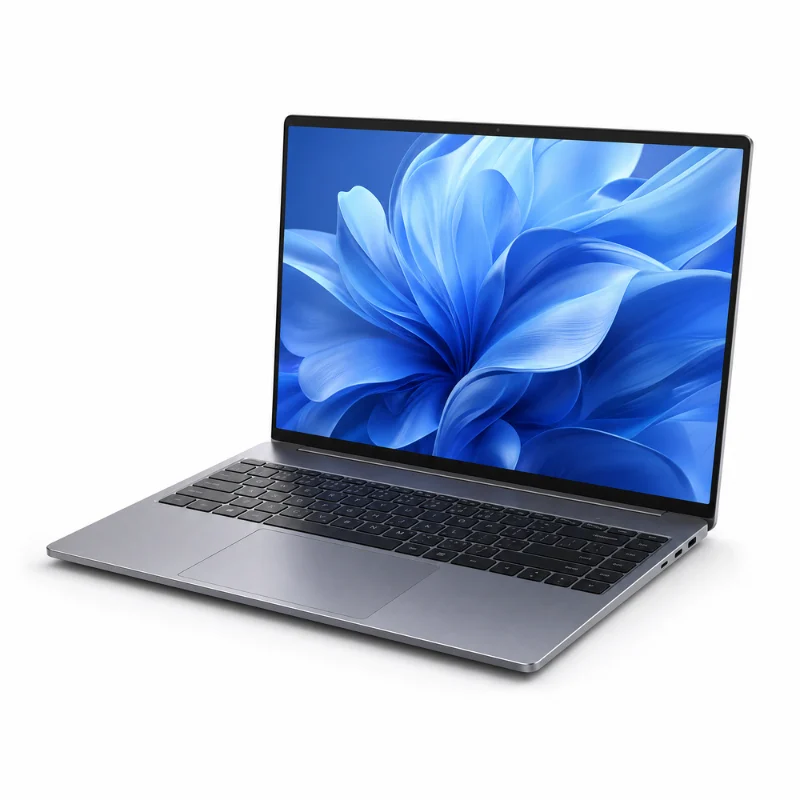
Windows 11 Pro key, Windows 11 Home, Workstations and IoT LTSC 2024
A Windows 11 key from Software in Store is a genuine retail or volume license that activates in Settings, System, Activation in under a minute. Choose Home for a family PC, Pro for BitLocker, Remote Desktop and Hyper-V, Pro for Workstations for high-core machines, or IoT Enterprise LTSC 2024 for a build that stays unchanged for years. Windows 10 Pro keys remain available for older hardware, along with the Windows 11 Home to Pro upgrade key.
- Windows 11 Pro and Windows 11 Home product keys
- Official Microsoft ISO and Media Creation Tool download link included
- Digital license stays tied to your PC after activation
- Activation errors fixed by our team or your money back
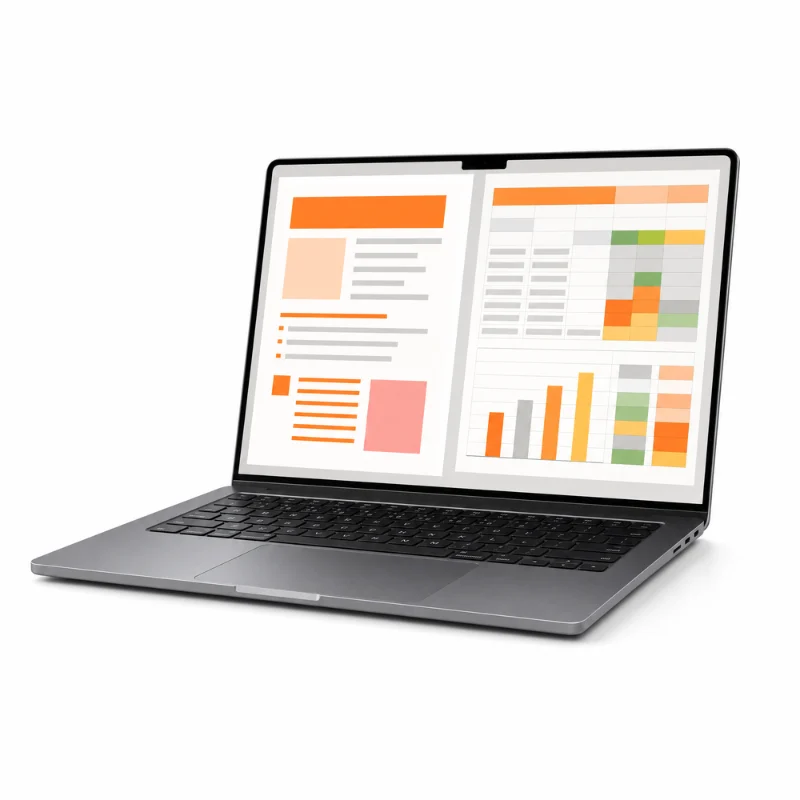
Microsoft Office 2024 Professional Plus and every Office key back to 2016
Office 2024 Professional Plus gives you Word, Excel, PowerPoint, Outlook, OneNote and Access for one payment, supported by Microsoft until October 2029. Office 2021 Professional Plus still includes Publisher and remains a popular choice. Home and Business editions cover Mac, and single apps such as Excel 2024, Outlook 2021, Visio and Project are sold on their own. No Microsoft 365 subscription, no monthly fee.
- Office 2024 Professional Plus and Office 2021 keys
- Activate in Word under File, Account, Change Product Key
- Home and Business keys redeem at setup.office.com for Windows or Mac
- Phone activation and Confirmation ID handled by our team when needed
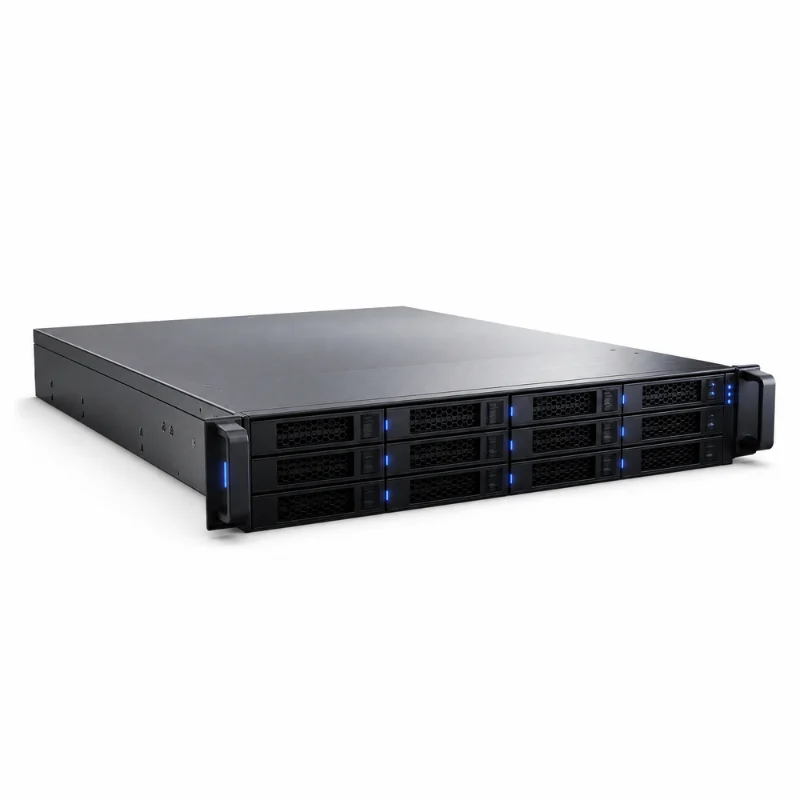
Windows Server 2025 license, RDS user CALs and SQL Server for growing businesses
Windows Server 2025 Standard and Datacenter are licensed per core with a 16-core minimum per server. Standard covers two virtual machines, Datacenter covers unlimited VMs, and every user or device that connects still needs a CAL. We sell the 16-core license keys, 50-user RDS CAL packs and SQL Server Standard, and we explain what each one covers before you order.
- Windows Server 2025 Standard 16-core and Server 2022 licenses
- RDS 50 user CAL packs for Server 2025 and 2022
- SQL Server 2022 and 2019 Standard licenses
- Volume pricing and invoices for IT teams on request
Why buy from Software in Store
Product details before purchase, digital delivery and a clearly explained 180-day money-back guarantee. Software in Store is an independent reseller, not Microsoft.
Read our Refund Policy, Terms of Service and contact details before ordering. Activation confirms that a product key was accepted; it does not, by itself, establish ownership, genuine status, transfer rights or compliance with the applicable license agreement. Keep your invoice and licensing documentation.
Guides and comparisons
Edition comparisons, activation walkthroughs and licensing explainers for Windows, Office and Windows Server, from the people who answer our support email.
- Before you buy: a Windows and Office compatibility checklistChecking compatibility before ordering avoids buying an edition or platform you cannot use. Work through these checks on the device you plan to license,… Read more: Before you buy: a Windows and Office compatibility checklist
- How to Create a Microsoft Account — Complete Step-by-Step Guide 2026
 What You Get with a Microsoft Account A free Microsoft account gives you access to: Windows activation and settings sync across devices Microsoft 365… Read more: How to Create a Microsoft Account — Complete Step-by-Step Guide 2026
 - Mastering Windows: Essential Features and Best Practices for Optimal Performance
 Key Windows Features 1. Start Menu and Cortana Customizable Start Menu: Pin your favorite apps and organize them into groups. Cortana Integration: Use voice… Read more: Mastering Windows: Essential Features and Best Practices for Optimal Performance
 - Maximizing Your Microsoft Office Experience: Tips and Tricks
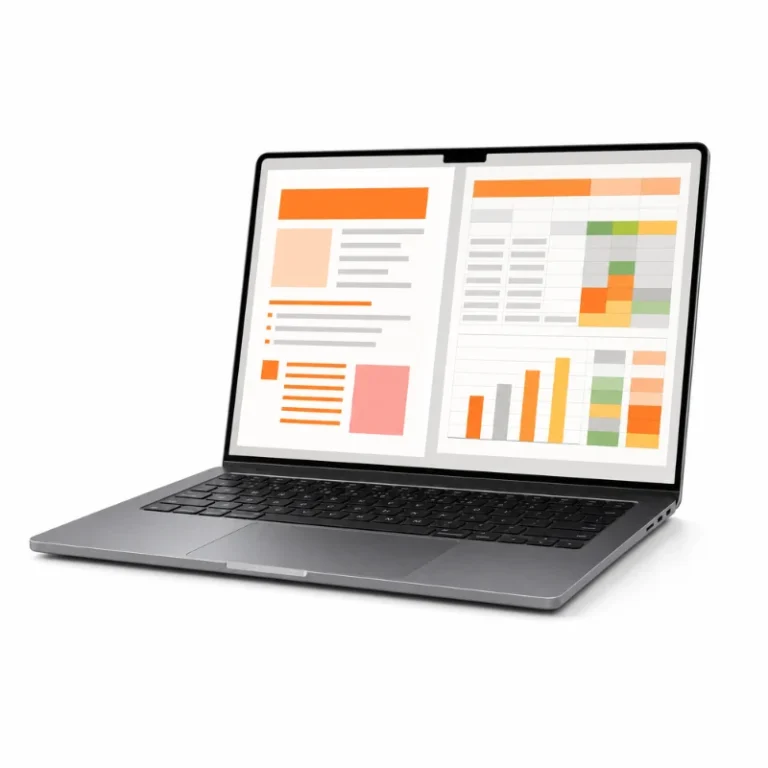 Universal Office Tips These tips apply across most Office applications: Quick Access Toolbar: Customize this toolbar with your most-used commands for easy access. Tell… Read more: Maximizing Your Microsoft Office Experience: Tips and Tricks
 - Microsoft Office 2016 Professional Plus: How to Download, Install, and Activate (Complete Guide)
 Microsoft Office 2016 Professional Plus is a feature-rich productivity suite for professionals, businesses, and advanced users. It includes Word, Excel, PowerPoint, Outlook, OneNote, Access,… Read more: Microsoft Office 2016 Professional Plus: How to Download, Install, and Activate (Complete Guide)
 - Microsoft Office 2019 Home & Student: How to Download, Install, and Activate (Complete Guide)
 Microsoft Office 2019 Home & Student is a streamlined productivity suite that includes Word, Excel, PowerPoint, and OneNote, designed for students, families, and home… Read more: Microsoft Office 2019 Home & Student: How to Download, Install, and Activate (Complete Guide)
Get your genuine Microsoft key in the next few minutes
Windows 11, Office 2024 Professional Plus and Windows Server 2025 licenses. Secure checkout, email delivery, 180-day money-back guarantee.
Before buying: Activation confirms that a product key was accepted; it does not, by itself, establish ownership, genuine status, transfer rights or compliance with the applicable license agreement. Keep your invoice and licensing documentation. Read the FAQs or ask us about a product.