Microsoft Office 2019 Home & Business for Mac – Lifetime License Key
$94.99Original price was: $94.99.$71.99Current price is: $71.99.
-24%
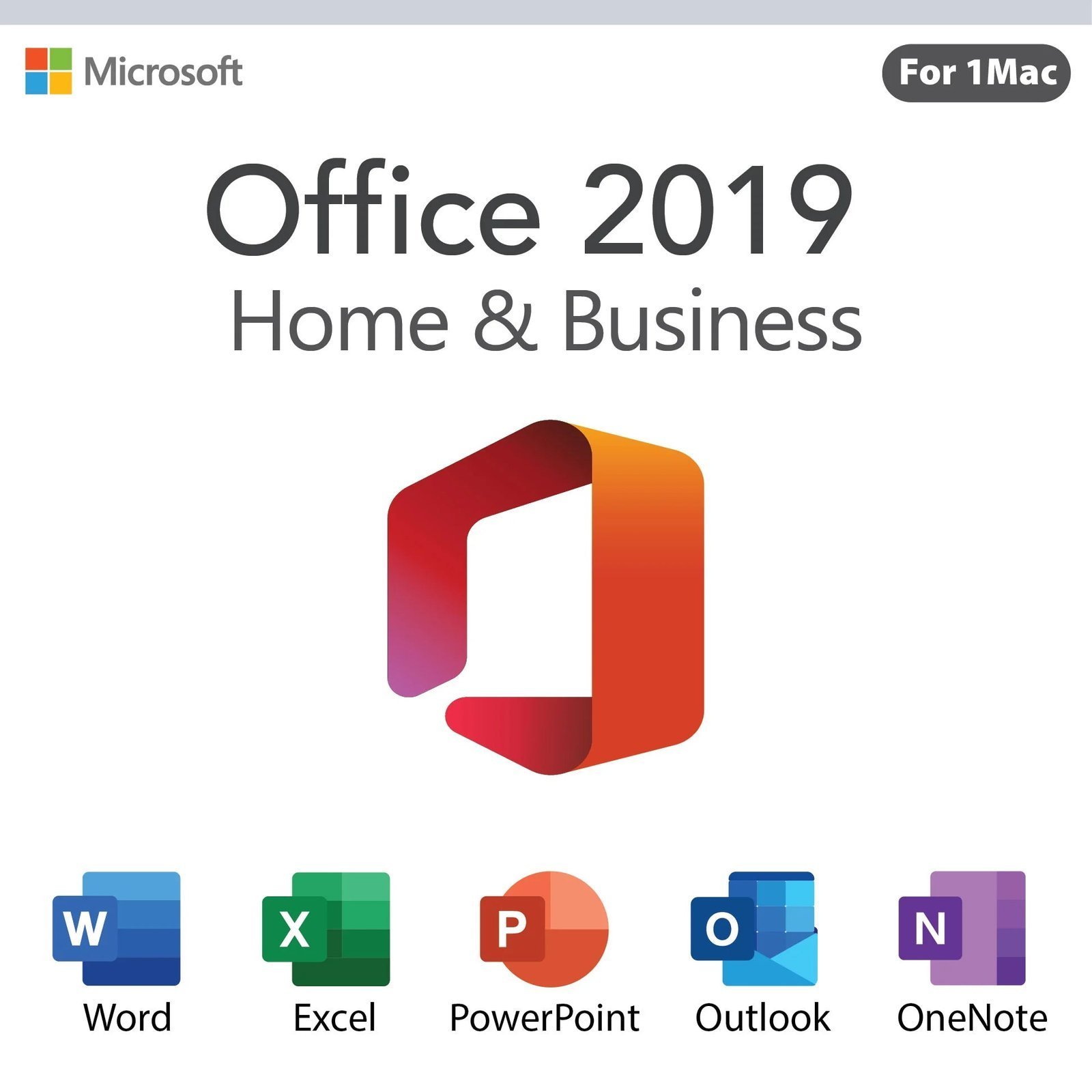
Genuine Office 2019 Home and Business for Mac license key for 1 Mac: Word, Excel, PowerPoint, Outlook and OneNote as a one-time purchase. Emailed within minutes, 30-day money-back guarantee.
This is a genuine Microsoft Office 2019 Home and Business for Mac license key for one Mac, delivering Word, Excel, PowerPoint, Outlook and OneNote as a perpetual license. It is intended for owners of older Intel Macs that cannot run a current macOS and for buyers who need to match an Office 2019 setup on other machines. Please note that Microsoft no longer supports Office 2019 for Mac; The apps keep working, but a primary Mac is better served by Office 2021 or 2024.
License details
Edition: Office Home and Business 2019 for Mac, including Word, Excel, PowerPoint, Outlook and OneNote
Platform: macOS only, on a macOS version the final Office 2019 for Mac build supports (see requirements)
Covers 1 Mac; one redemption per key
Perpetual license, one-time purchase, no subscription and no renewal;
Activation: redeem the 25-character key at setup.office.com with a Microsoft account, then install from the account page and sign in; our team helps if redemption stalls
Delivered: product key, Microsoft redemption and download instructions and a short guide, by email and saved under My Account
Language: multilanguage, Office for Mac follows the macOS display language
30-day money-back guarantee and email support from a real person 7 days a week
Order now and your Office 2019 Home and Business for Mac key arrives by email within minutes. It is a digital license with no shipping. If the key cannot be redeemed and our team cannot resolve the issue, we replace it or refund you under the 30-day guarantee. Before ordering, confirm your macOS version against the requirements on this page. The license type is shown in the Product Overview table.
Product overview
Product
Microsoft Office 2019 Home & Business for Mac – Lifetime License Key
Brand
Microsoft
Category
Microsoft Office, Office 2019
Platform
Mac (macOS)
Covers
See product title
License term
One-time purchase, no subscription
Delivery
Digital, product key by email within minutes
You receive
Product key, official Microsoft download link, installation guide
Support
Free installation and activation help by email, 7 days a week
Guarantee
30-day money-back guarantee
SKU
SIS-O19HB-MAC
Office 2019 Home and Business for Mac: full Office for older Macs at a one-time cost
Not every Mac can run the newest macOS, and not every Mac owner wants a subscription. Office 2019 Home and Business for Mac exists for exactly that situation. It installs Word, Excel, PowerPoint, Outlook and OneNote on one Mac as a perpetual license: pay once, redeem with a Microsoft account, and use the applications with no renewal. It was the Office generation that shipped with the redesigned ribbon, Morph and Zoom in PowerPoint, and new Excel functions such as IFS, SWITCH and TEXTJOIN, all of which remain useful today.
We sell this edition with a clear caveat. Microsoft's support for Office 2019 for Mac has ended, and the Windows edition of Office 2019 followed on October 14, 2025. No further security updates are released for either. Office 2019 for Mac was also built for the macOS releases of its era; the final builds Microsoft published run on the macOS versions that were current when support ended, and later macOS releases have not been tested by Microsoft against them. If your Mac runs a current macOS and serves as your primary computer, buy the Office 2021 Home and Business for Mac key instead. If your Mac is an older Intel model that cannot be upgraded further, or you need every machine on the same 2019 version, read on.
Key features of Office 2019 for Mac
Word 2019 for Mac: Focus mode, Learning Tools, translator, customizable ribbon and native Dark Mode support introduced in macOS Mojave.
Excel 2019 for Mac: IFS, SWITCH, TEXTJOIN, CONCAT and MAXIFS functions, funnel charts, 2D maps, and improved PivotTable features.
PowerPoint 2019 for Mac: Morph, Zoom, 4K export, icons and 3D models, plus the ability to record narration on slides.
Outlook 2019 for Mac: Focused Inbox, shared calendars, and support for Exchange, Microsoft 365, Outlook.com, Gmail and IMAP accounts.
OneNote for Mac: notebooks that sync through your Microsoft account.
Cross-platform files: documents move to and from Windows Office with formatting, formulas and charts intact.
Offline desktop apps: fully installed programs that do not depend on a browser or a connection once activated.
Home and Business is the complete Office for Mac lineup in the perpetual channel: Access and Publisher have never existed on macOS, so there is no Professional Plus for Mac to trade up to. What you get here is every core Office application Microsoft made for the Mac in 2019, with Outlook included.
The typical buyer owns a 2015 to 2019 MacBook Air, MacBook Pro or iMac that Apple has stopped upgrading, still works well, and needs a proper copy of Word, Excel and Outlook rather than a browser-based substitute. Another common case is a small office with Office 2019 on its Windows PCs that wants the one Mac in the room on the same generation so that shared spreadsheets and templates behave identically. A third is a buyer who simply wants the lowest one-time cost for a full Office for Mac and has confirmed the macOS requirement below. If your Mac is newer and runs a current macOS, skip ahead to the comparison table and consider the 2021 or 2024 edition instead.
Which Office for Mac generation should you buy
We carry three perpetual Office for Mac generations and the current cross-platform 2024 release. Use the table to match the edition to your macOS version and your expectations for updates.
Feature
Office 2019 Home and Business for Mac (this product)
Office 2016 Home and Business for Mac
Office 2021 Home and Business for Mac
Office 2024 Home and Business (PC or Mac)
Applications
Word, Excel, PowerPoint, Outlook, OneNote
Word, Excel, PowerPoint, Outlook, OneNote
Word, Excel, PowerPoint, Outlook, OneNote
Word, Excel, PowerPoint, Outlook, OneNote
Built for
macOS releases current from 2018 to 2023
macOS and OS X releases current from 2015 to 2020
Currently supported macOS versions
Currently supported macOS versions
Microsoft support
Ended
Ended
Until October 13, 2026
Until October 9, 2029
Apple silicon
Later builds run natively; check requirements
Intel-era build
Native universal build
Native universal build
Activation
Microsoft account at setup.office.com
Microsoft account at setup.office.com
Microsoft account at setup.office.com
Microsoft account at setup.office.com
Devices
1 Mac
1 Mac
1 Mac
1 PC or 1 Mac
License
Perpetual, one-time purchase
Perpetual, one-time purchase
Perpetual, one-time purchase
Perpetual, one-time purchase
In short: a Mac on a current macOS should get the 2021 or the Office 2024 Home and Business key. A Mac frozen on an older Intel-era macOS is where Office 2019 Home and Business for Mac fits, and a Mac that cannot even reach those releases may need the Office 2016 Home and Business for Mac edition. When in doubt, send us your macOS version before you order and we will tell you which one to buy.
System requirements and the macOS version check
Office 2019 for Mac launched with a requirement of macOS 10.12 Sierra or later, and each subsequent Office update raised the minimum in step with Apple's releases, because Microsoft supports Office on the three most recent macOS versions at any time. The final Office 2019 for Mac builds therefore require a macOS version from the last years of its support cycle. Before ordering, open the Apple menu, choose About This Mac, and note your macOS version and processor.
Operating system: a macOS version supported by the final Office 2019 for Mac build; very old releases such as macOS 10.12 or 10.13 will not run the final build, and very new releases are untested by Microsoft.
Processor: Intel 64-bit or Apple silicon (later builds run natively on M1 and newer).
Memory: 4 GB RAM.
Disk space: 10 GB available.
Display: 1280 x 800 or higher.
Internet connection and a free Microsoft account for redemption, download and activation.
No Microsoft 365 or other Office for Mac installation on the machine; remove it before installing.
If your Mac cannot meet the requirement and cannot be upgraded, do not buy this edition; email us first and we will point you to the right version. If your Mac is on a current macOS, we again suggest the 2021 or 2024 edition, which Microsoft actively tests and patches.
Licensing: what you own with a perpetual Mac license
Office 2019 Home and Business for Mac is licensed per Mac and activated through a Microsoft account. You redeem the 25-character key once at setup.office.com, which attaches the license to your account; installing from that account and signing in to Word activates the suite. The account is your proof of purchase and your reinstall path after a clean macOS install or a new drive, so use one you will keep.
The license is perpetual: a one-time purchase, no subscription, no renewal, no expiry date. Microsoft support has ended, which means no new security updates, but activation and the final builds remain available. Transfer rights depend on the license type stated in the Product Overview table at the top of this page. Retail licenses can be moved to a different Mac after you sign out and remove Office from the first one; OEM-style licenses stay with the original Mac; volume licenses are meant for organizations.
Why buy this key from Software in Store
Software in Store is an independent reseller operated by MAKERS UNITY LLC in Sheridan, Wyoming, not affiliated with Microsoft. We sell genuine keys that redeem on Microsoft's own site, and we describe end-of-support products honestly so that you can decide with full information.
Delivery by email within minutes of payment, 7 days a week, with the key stored under My Account.
Redemption at setup.office.com and installer downloads from Microsoft, plus a Mac-specific guide.
Pre-sales help with the macOS version check; send us your About This Mac details and we will confirm compatibility.
30-day money-back guarantee: replacement key or full refund if a key will not redeem and we cannot fix it.
Support from a real person at support@softwareinstore.com every day of the week.
More about our approach is on the why trust us page. With an end-of-support product we consider the pre-sales conversation part of the service: one email with your Mac model and macOS version lets us confirm the fit before any money changes hands.
Check your macOS version, then add the key to your cart and pay securely. Within minutes your genuine Office 2019 Home and Business for Mac key and redemption instructions will be in your inbox, and the 30-day money-back guarantee applies to the order. See how it works for the steps after checkout and our FAQs for questions about redemption, reinstalling and moving to a new Mac.
Download and install
Within minutes of payment you receive an email with your 25-character Office 2019 Home and Business for Mac product key, a link to Microsoft's redemption page and a short installation guide. The key is also saved under My Account.
Open the Apple menu > About This Mac and confirm your macOS version meets the requirement on this page. Contact us first if you are unsure.
Remove any Microsoft 365 trial or older Office for Mac by dragging the apps from Applications to the Trash, then restart.
Go to setup.office.com in Safari and sign in with a Microsoft account you intend to keep, or create a free one.
Enter the 25-character key, confirm country and language, and click Next. The license attaches to your account.
Click Install Office to download the Office for Mac installer package, or download later from account.microsoft.com/services.
Open the .pkg file, complete the installer, then launch Word, click Get Started and sign in with the same Microsoft account to activate.
Open Outlook and add your email accounts.
If the redemption page rejects the key or the installer refuses your macOS version, reply to your order email with a screenshot and your About This Mac details. Our team answers 7 days a week at support@softwareinstore.com and will replace the key or advise on the right edition.
Frequently asked questions
Will Office 2019 Home and Business for Mac run on my macOS version?
It depends on your version. Office 2019 for Mac launched requiring macOS 10.12 Sierra, and Microsoft raised the minimum with each update, so the final build needs a macOS release from the last years of the 2019 support cycle. Very old versions cannot run the final build, and the newest macOS releases are untested by Microsoft. Open About This Mac, note the version, and email us before ordering if you have any doubt. We answer 7 days a week.
Is Office 2019 for Mac still supported by Microsoft?
No. Microsoft has ended support for Office 2019 for Mac, and the Windows edition of Office 2019 reached end of extended support on October 14, 2025. The applications continue to redeem, install and run, but they receive no new security updates. We recommend this edition for older Intel Macs that cannot run a current macOS or for matching an existing Office 2019 environment. For a primary Mac on a current macOS, choose Office 2021 or Office 2024.
How does the Office 2019 Home and Business for Mac key activate?
You redeem it once at setup.office.com while signed in to a Microsoft account, which links the license to that account. Then you download the Office for Mac installer from Microsoft, install it and sign in to Word with the same account. The key is not typed into the apps. Keep the account credentials safe, because reinstalling after a clean macOS install or a drive replacement is done by signing in again.
What is the difference between this and Office 2021 for Mac?
Both include Word, Excel, PowerPoint, Outlook and OneNote for one Mac as perpetual licenses. Office 2021 for Mac is supported by Microsoft until October 13, 2026, runs natively on Apple silicon as a universal build, requires a currently supported macOS and adds Excel features such as XLOOKUP and dynamic arrays. Office 2019 for Mac costs less, is no longer supported and suits older Intel Macs stuck on an earlier macOS.
Can I move the license to another Mac later?
That depends on the license type shown in the Product Overview table on this page. A retail license can be moved: sign out of Office on the old Mac, remove the apps, then install and sign in on the new Mac with the same Microsoft account. OEM-style licenses remain with the original Mac, and volume licenses are intended for organizations. Remember that the new Mac must also run a macOS version the final Office 2019 build supports.
What if the key fails or my Mac turns out to be incompatible?
Every order carries our 30-day money-back guarantee. If setup.office.com rejects the key, send a screenshot and a person from our team will investigate and replace it if faulty; if we cannot make it work, you receive a full refund. If the installer will not run on your macOS version, contact us before redeeming the key and we will help you switch to a compatible edition. A key already redeemed to an account cannot be returned.
5 reviews for Microsoft Office 2019 Home & Business for Mac – Lifetime License Key
Rated 5 out of 5
Liam Morgan –
Great choice if you need Office + Outlook on your Mac without paying each year. Installation was smooth. Could use more updates down the line (security, etc.), but so far performs well for docs, spreadsheets and presentations.
Rated 5 out of 5
Madison Bennett –
Perfect for my Mac! Easy installation, no subscription needed, and all Office apps run smoothly. Highly satisfied!
Rated 5 out of 5
Samantha Parker –
The software works as expected and the price was good.
Rated 5 out of 5
April Morgan –
Great upgrade for my Mac. Installation was quick, all apps run smoothly, and the lifetime access is fantastic. Very satisfied!
Rated 5 out of 5
Barbara Brooks –
Installation was quick, and all apps run smoothly on my Mac. — no subscription worries!


Liam Morgan –
Great choice if you need Office + Outlook on your Mac without paying each year. Installation was smooth. Could use more updates down the line (security, etc.), but so far performs well for docs, spreadsheets and presentations.
Madison Bennett –
Perfect for my Mac! Easy installation, no subscription needed, and all Office apps run smoothly. Highly satisfied!
Samantha Parker –
The software works as expected and the price was good.
April Morgan –
Great upgrade for my Mac. Installation was quick, all apps run smoothly, and the lifetime access is fantastic. Very satisfied!
Barbara Brooks –
Installation was quick, and all apps run smoothly on my Mac. — no subscription worries!