$54.00Original price was: $54.00.$17.99Current price is: $17.99.
-67%
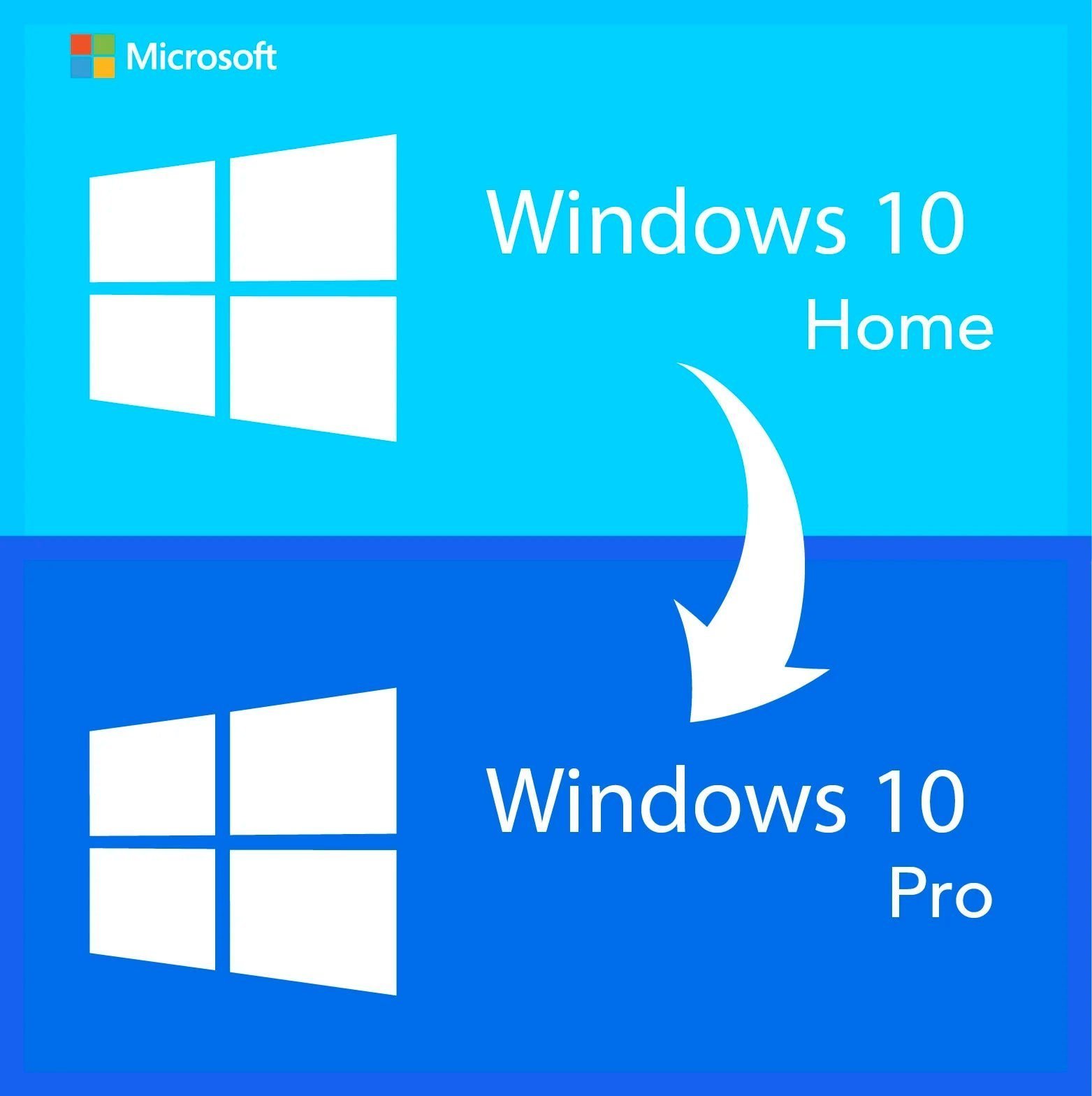
Genuine upgrade to Windows 10 Pro license key for 1 PC. One-time purchase. Key and official Microsoft download link by email within minutes, 30-day money-back guarantee.
This genuine upgrade to Windows 10 Pro license key moves one PC from Windows 10 Home to Windows 10 Professional in place, keeping every file, program and setting. It is for anyone who bought a laptop or desktop with Home preinstalled and now needs a Pro feature: BitLocker encryption for a work laptop, a Remote Desktop host to reach the PC from home, Hyper-V for virtual machines, or a domain join for the office. Microsoft ended mainstream Windows 10 support on October 14, 2025; Windows 10 Pro still activates and runs normally, and paid Extended Security Updates are available for a limited period.
License details
Edition: upgrade from Windows 10 Home to Windows 10 Pro; the PC ends up as fully licensed Windows 10 Pro, version 22H2
Platform: works on 32-bit and 64-bit Windows 10 Home installs; digital key, nothing shipped
Covers 1 PC (one upgrade)
Perpetual license: one-time purchase, no subscription, no renewal
Activation: on the existing Home install via Settings, then Update & Security, then Activation, then Change product key; phone activation help from our team if needed
Delivered: 25-character key, link to the official Microsoft Windows 10 download page and a short guide, also saved under My Account
Multilanguage: the upgrade keeps whatever display language your Home install uses
If Windows 11 is your plan, we recommend the Windows 11 Home to Pro upgrade key instead
Support from a person 7 days a week, 30-day money-back guarantee
Order now, receive the key by email within minutes, and your PC can be running Windows 10 Pro within the hour. If the upgrade cannot be activated and our team cannot fix it, you get a replacement or a full refund within 30 days. The license type is shown in the Product Overview table on this page.
Product overview
Product
Upgrade to Windows 10 Pro – Lifetime License Key
Brand
Microsoft
Category
Operating Systems, Windows 10
Platform
Windows PC
Covers
See product title
License term
One-time purchase, no subscription
Delivery
Digital, product key by email within minutes
You receive
Product key, official Microsoft download link, installation guide
Support
Free installation and activation help by email, 7 days a week
Guarantee
30-day money-back guarantee
SKU
SIS-W10P-UPG
Upgrade to Windows 10 Pro: unlock Pro features on your Home PC without reinstalling
Most PCs sold to consumers came with Windows 10 Home, and Home is fine until the day it is not. The day you need to encrypt a laptop before a business trip. The day the office asks you to join its domain. The day you want to reach your desktop from a hotel room, or run a virtual machine for a course. Windows 10 Home refuses all four, and the fix is not a new computer or a reinstall. It is an upgrade to Windows 10 Pro license key, entered on the PC you already have, which converts the edition in place in about fifteen minutes.
This listing provides that key for one PC. It is a genuine Microsoft license, a one-time purchase with no subscription, delivered by email within minutes of payment. When the upgrade completes, the PC is licensed Windows 10 Pro exactly as if it had shipped that way, with your files, applications, user accounts and settings untouched. The license type is shown in the Product Overview table on this page.
Being direct about support: Microsoft ended mainstream support for Windows 10 on October 14, 2025. Windows 10 Pro continues to activate, update through the Extended Security Updates program for a limited period, and run everything it ran before. If your PC is Windows 11 capable and you intend to move to Windows 11, our Windows 11 Home to Pro upgrade key is the better purchase. If you are staying on Windows 10, which is common on hardware without TPM 2.0 or with Windows 10-only software, this is the upgrade path.
What happens when you upgrade to Windows 10 Pro
You open Settings, then Update & Security, then Activation, and choose Change product key.
You enter the 25-character upgrade key from your email. Windows checks it with Microsoft and confirms the edition change.
Windows downloads the Pro components it needs (a few hundred megabytes), prepares the upgrade and asks to restart.
After one or two restarts, the PC signs you back in. Settings, then System, then About now reads Windows 10 Pro, and Activation shows the PC is activated.
Your desktop, documents, installed programs, browser profiles, printers and Wi-Fi passwords are exactly where you left them.
There is no installation media to create and no need to back up and restore, although we always recommend a backup before any system change. The whole process is usually finished in under half an hour on an SSD.
Features you unlock
BitLocker drive encryption for the system drive and removable drives, with recovery keys you control
Remote Desktop host, so the PC can be reached from another Windows, Mac, iOS or Android device
Hyper-V, Microsoft's built-in hypervisor for running Windows and Linux virtual machines
Windows Sandbox for opening suspicious files in a disposable environment
Domain join and Microsoft Entra join for company networks, plus the Local Group Policy Editor
Windows Update for Business, including deferral of feature and quality updates
Assigned Access kiosk mode and Enterprise Mode for Internet Explorer compatibility in Edge
Support for 2 TB of RAM and two physical processors instead of 128 GB and one
Situations that call for the upgrade
The new remote job. An employer issues a VPN account and expects the home PC to be encrypted and reachable by the IT team. Home cannot host Remote Desktop or run full BitLocker; Pro does both, and the upgrade takes less time than the onboarding call.
The student or developer. A networking or cybersecurity course asks for virtual machines. Hyper-V is built into Pro, free of charge, and runs Windows and Linux guests with no third-party software.
The small business that grew. Two PCs became six, someone set up a Windows Server, and every machine now needs to join the domain and follow the same policies. Upgrading the existing Home PCs to Pro avoids reinstalling any of them.
The family that wants control. Parents who want to schedule updates, block specific settings or set up a shared PC in kiosk mode find those switches in Pro's Group Policy Editor and Assigned Access.
Home versus Pro, and upgrade key versus full key
Windows 10 Home
Windows 10 Pro via this upgrade key
Windows 10 Pro full key
Starting point required
Any
An installed Windows 10 Home PC
None; clean install or existing PC
Reinstall needed
No
No, in-place edition change
No for existing PCs; yes for a clean install
Files and programs kept
Not applicable
Yes
Yes on an existing install
BitLocker, Remote Desktop host, Hyper-V, domain join, Group Policy
No
Yes
Yes
Maximum RAM (64-bit)
128 GB
2 TB
2 TB
Devices covered
1 PC
1 PC
1 PC (5 PC package available)
Best for
Personal PCs that never need business features
A Home PC you already own and want to keep as is
New builds, rebuilds and PCs without a valid license
The upgrade key and the full Pro key end in the same place: an activated Windows 10 Pro machine. Choose the upgrade key when the PC already runs activated Windows 10 Home and you want to keep it exactly as it is. Choose the full key when you are building or reinstalling a PC, or when the current Windows installation has no valid license to begin with.
Before you upgrade: a short checklist
Confirm the PC runs Windows 10 Home and is activated (Settings, then Update & Security, then Activation). The upgrade key changes the edition; it does not repair a Home install that was never licensed.
Make sure Windows 10 Home is on version 22H2 or reasonably current. Run Windows Update first if it is far behind.
Have at least 10 GB of free disk space for the Pro components and the restart cycle.
Keep the PC plugged in and connected to the internet for the duration.
Back up important files. The upgrade preserves everything, but a backup is good practice before any edition or version change.
Note the hardware: Hyper-V requires a 64-bit processor with SLAT and virtualization enabled in firmware, and BitLocker is easiest with a TPM 1.2 or 2.0 present.
Windows 10 Pro itself has the same base requirements as Home: a 1 GHz processor, 1 GB of RAM for 32-bit or 2 GB for 64-bit, 32 GB of storage and DirectX 9 graphics. If Home runs on the PC, Pro will too.
Licensing explained
This upgrade license covers one PC and is perpetual. You pay once; there is nothing to renew. After the upgrade the PC holds a Windows 10 Pro license, and Microsoft records a digital license tied to the hardware, so a later reinstall of Windows 10 Pro on the same PC normally reactivates automatically without re-entering the key.
Transfer to a different PC depends on the license type, shown in the Product Overview table on this page. As a general rule, a retail license can be removed from one PC and applied to another; an OEM license stays with the first PC; volume licenses are for organizations and have a set number of activations. Upgrade licenses also inherit a practical limit: the destination PC must be running Windows 10 Home. Ask us before ordering if you have a specific transfer scenario in mind.
A note on Windows 11: a Windows 10 Pro license generally also covers Windows 11 Pro on hardware that meets the Windows 11 requirements. We mention this for completeness. If Windows 11 is where you are headed, the Windows 11 Home to Pro upgrade key is the product designed for that job, and it is what we recommend.
Why buy this key from Software in Store
Software in Store is run by MAKERS UNITY LLC, an independent reseller in Sheridan, Wyoming, not affiliated with or endorsed by Microsoft. We sell genuine keys and back them with service.
Key delivered by email within minutes of payment, seven days a week, and saved under My Account
A link to the official Microsoft download page, in case you ever need clean Windows 10 media
30-day money-back guarantee: replacement or full refund if the upgrade cannot be activated and we cannot fix it
A person answers support email every day and handles phone activation when Microsoft asks for it
Encrypted, PCI-compliant checkout by card, Apple Pay or Google Pay; we never see your card number
Ready to upgrade to Windows 10 Pro? Add the key to your cart, and a few minutes after payment you can enter it and restart into Pro. Our How it works page explains the process, and the FAQs cover refunds, transfers and activation help.
Download and install
Within minutes of payment you receive an email with your 25-character upgrade to Windows 10 Pro key, a link to the official Microsoft Windows 10 download page and a short guide. The key is also saved under My Account. No installation media is needed for the upgrade itself.
On the Windows 10 Home PC, run Windows Update and let any pending updates finish, then restart.
Back up important files as a precaution and make sure the PC is plugged in and online.
Open Settings, then Update & Security, then Activation, and click Change product key.
Enter the 25-character upgrade key and click Next, then confirm Start upgrade when Windows asks.
Wait while Windows downloads the Pro components and restarts once or twice; do not power off during this stage.
Sign back in and check Settings, then System, then About: the edition now reads Windows 10 Pro, and the Activation page shows the PC is activated.
Turn on the Pro features you bought the key for, such as BitLocker, Remote Desktop or Hyper-V.
If activation stalls or Windows asks for phone activation, email the Installation ID to support@softwareinstore.com and a person will reply with the Confirmation ID, seven days a week.
Frequently asked questions
Do I lose files or programs when I upgrade to Windows 10 Pro with this key?
No. The upgrade to Windows 10 Pro is an edition change, not a reinstall. Windows downloads the Pro components, restarts and returns with your documents, applications, accounts, browser data, printers and settings exactly as they were. The only visible change is that Settings, then System, then About reads Windows 10 Pro and the Pro features become available. We still recommend a backup before any system change, as a matter of good practice.
Can I use the upgrade key on a PC that does not have Windows 10 Home installed?
The upgrade key is designed for an existing, activated Windows 10 Home installation. It does not license a PC that has no valid Windows license, and it is not intended for clean installs. If you are building a PC, reinstalling from scratch or fixing an unlicensed machine, buy our Windows 10 Pro full product key instead. It reaches the same Windows 10 Pro result and works from installation media.
How long does the upgrade take, and does it need a download?
Typically fifteen to thirty minutes on a PC with an SSD and a normal internet connection. After you enter the key, Windows downloads the Pro components, which is usually a few hundred megabytes, then restarts once or twice. You do not need to create a USB drive or download an ISO. Keep the PC plugged in and connected until the Activation page confirms Windows 10 Pro is activated.
Is this a subscription or a permanent license?
It is a permanent, perpetual license bought once. There is no monthly or annual fee. After the upgrade to Windows 10 Pro completes, Microsoft records a digital license for the PC, so a future reinstall of Windows 10 Pro on the same hardware normally reactivates automatically. Windows 10 mainstream support ended on October 14, 2025, but the license itself does not expire and the operating system keeps running.
Would a Windows 11 upgrade key be a better choice for my PC?
If your PC meets the Windows 11 requirements, including TPM 2.0 and Secure Boot, and you plan to run Windows 11, yes. Buy our Windows 11 Home to Pro upgrade key, because Windows 11 is the edition Microsoft is actively updating. A Windows 10 Pro license generally also covers Windows 11 Pro on compatible hardware, but we would rather sell you the key made for your destination. This key is for PCs staying on Windows 10.
What if the upgrade fails to activate, and can I get a refund?
First confirm the PC runs an activated copy of Windows 10 Home and is fully updated, then try the key again. If Windows shows an error code or asks for phone activation, email us the code and the Installation ID; our team resolves most cases the same day. If the key cannot be activated at all and we cannot fix it, you receive a replacement key or a full refund under our 30-day money-back guarantee.
4 reviews for Upgrade to Windows 10 Pro – Lifetime License Key
Rated 5 out of 5
Mia Rivera –
Activation went fine, but I had to troubleshoot a small driver issue after the upgrade. Once resolved, everything works well.
Rated 5 out of 5
Matthew Bailey –
Easy to install and activate. Works perfectly on my PC. Took a little time to understand the upgrade process, but overall very satisfied.
Rated 4 out of 5
Patrick Bailey –
Perfect solution for upgrading from Windows Home. The activation was straightforward, and my PC runs much better now. I highly recommend this upgrade if you want professional features.
Rated 4 out of 5
Derek Foster –
Worked fine, but the instructions could have been clearer. Once I figured it out, activation went smoothly.



Mia Rivera –
Activation went fine, but I had to troubleshoot a small driver issue after the upgrade. Once resolved, everything works well.
Matthew Bailey –
Easy to install and activate. Works perfectly on my PC. Took a little time to understand the upgrade process, but overall very satisfied.
Patrick Bailey –
Perfect solution for upgrading from Windows Home. The activation was straightforward, and my PC runs much better now. I highly recommend this upgrade if you want professional features.
Derek Foster –
Worked fine, but the instructions could have been clearer. Once I figured it out, activation went smoothly.