Microsoft Office 2016 Professional Plus: How to Download, Install, and Activate (Complete Guide)
Microsoft Office 2016 Professional Plus: How to Download, Install, and Activate (Complete Guide)
Microsoft Office 2016 Professional Plus is a feature-rich productivity suite for professionals, businesses, and advanced users. It includes Word, Excel, PowerPoint, Outlook, OneNote, Access, Publisher, and Skype for Business—everything you need for powerful productivity and collaboration.
This guide will walk you through downloading, installing, and activating Office 2016 Pro Plus quickly and easily.
Step 1: Check System Requirements
Before you begin, make sure your PC meets the minimum requirements:
- Operating System: Windows 7 SP1, Windows 8.1, Windows 10 (32/64-bit)
- Processor: 1 GHz or faster
- Memory: 2 GB RAM (32-bit), 4 GB RAM (64-bit)
- Hard Disk: 3 GB of available space
- Display: 1280 x 768 resolution
- Internet: Required for download and activation
Step 2: Download the Office 2016 Setup
Microsoft provides the official installation files directly from their website. To get started:
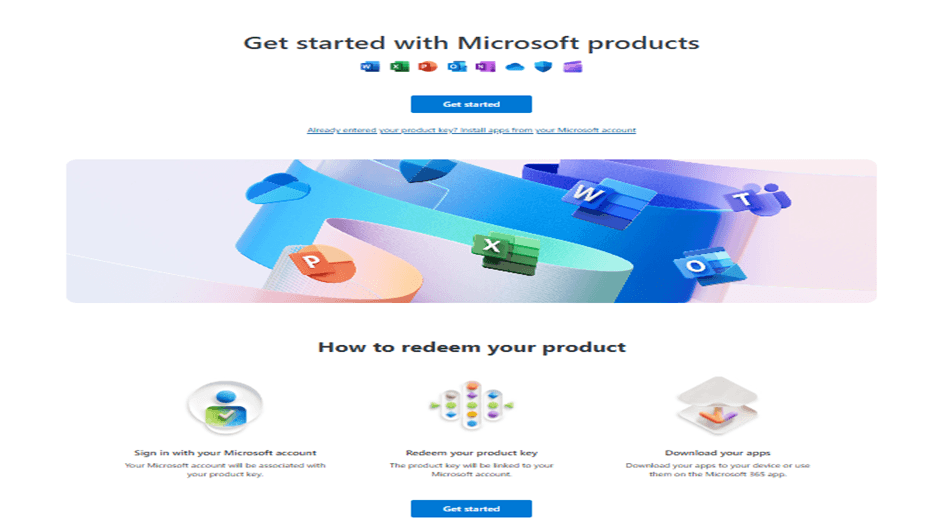
Go to https://setup.office.com/
Sign in with your Microsoft account (or create one if you don’t have it).
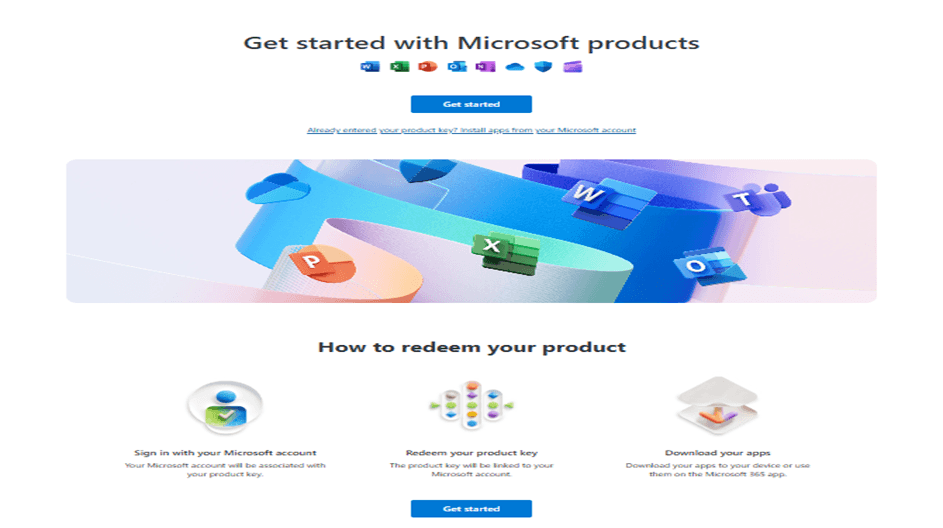
Enter your valid Office 2016 Pro Plus product key.
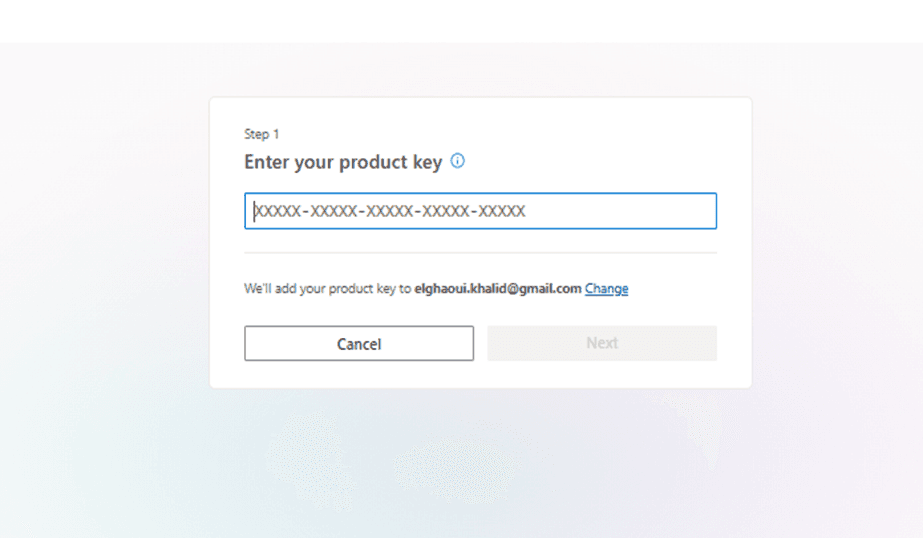
Follow the prompts to download the setup file.
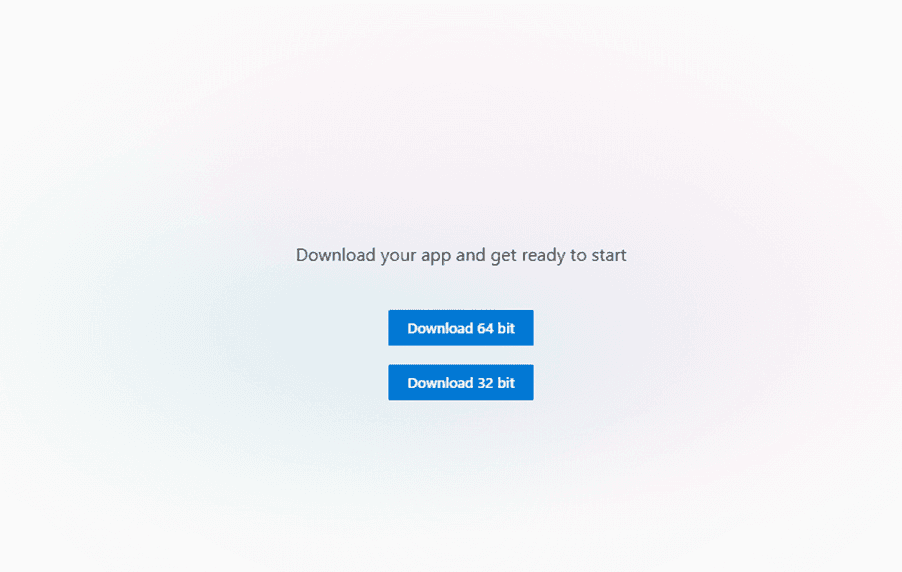
You will need a product key to proceed with the download.
If you don’t already have one, you can purchase a genuine Office 2016 Pro Plus Lifetime License Key (1 PC) here:
Buy Office 2016 Professional Plus License Key – Lifetime for 1 PC
This ensures you’re downloading a safe, up-to-date copy directly from Microsoft and can activate it without issues.
Step 3: Install Office 2016 Pro Plus
Locate the downloaded setup.exe file.
Double-click to start the installation.
Follow the on-screen instructions and select the apps you want.
Wait for installation to be completed.
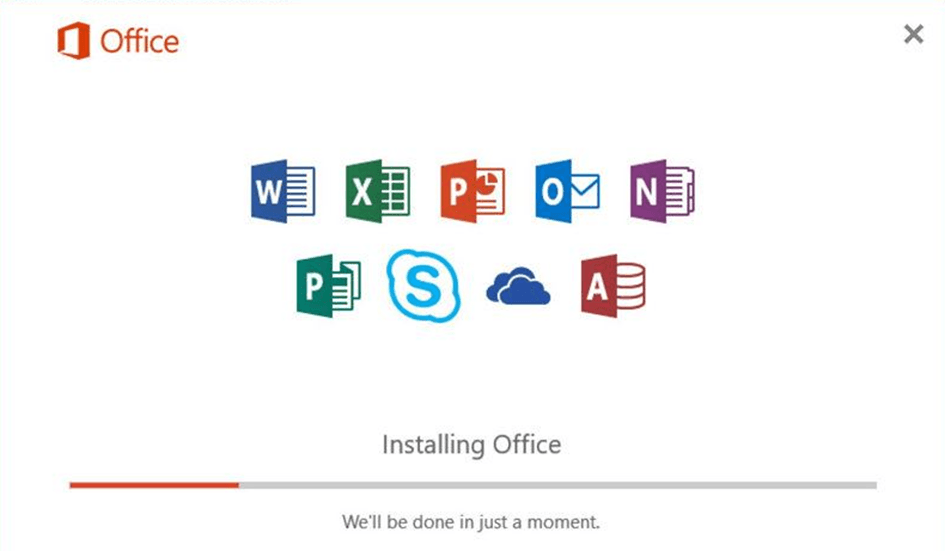
After installation, you’ll see all apps (Word, Excel, PowerPoint, Outlook, etc.) available in your Start Menu.
Step 4: Activate Office 2016 Pro Plus
Open any Office application (e.g., Word).
When prompted, enter your product key.
If not prompted, go to:
File > Account > Activate Product
Select Activate via Internet.
Once verified, you’ll see a confirmation message.
Your Office 2016 Professional Plus is now fully activated and licensed for life.
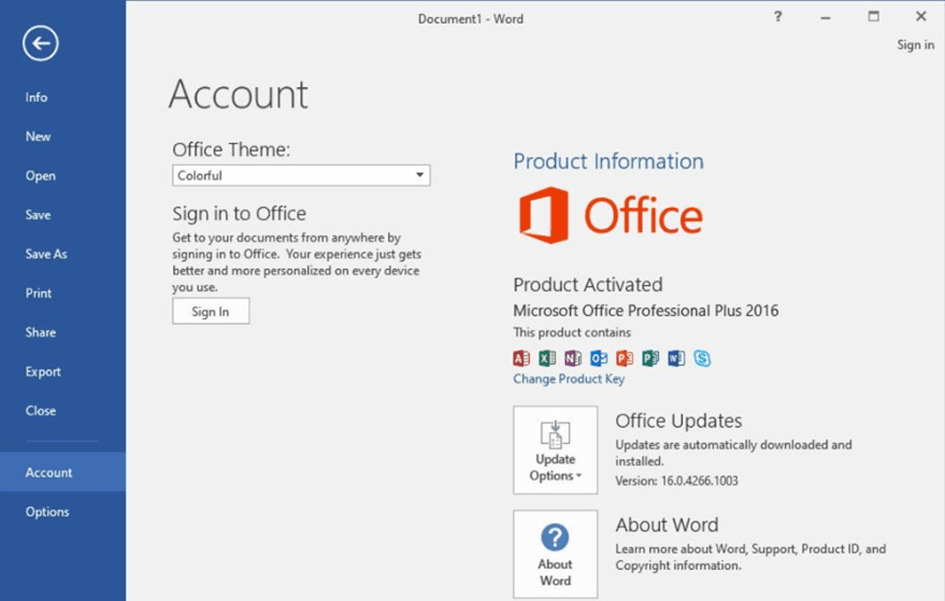
Get Your Office 2016 Pro Plus License Today
Microsoft Office 2016 Pro Plus gives you lifetime access to the latest productivity tools without monthly subscription fees. Perfect for both personal and professional use, it’s the smart choice for anyone who wants premium Office apps at the best price.
Click here to get your Microsoft Office 2016 Professional Plus Lifetime License Key for 1 PC
Why Choose Office 2016 Pro Plus?
- Includes the full suite of Microsoft apps for advanced use.
- Lifetime license: No subscription or recurring fees.
- Perfect for business and professional environments.